INSTALLATION AND CONFIRGURATION OF WINDOWS SERVER
This course unit provides practical knowledge and skills required to install, configure, administer, secure, and maintain Microsoft Windows Server environments. Learners will gain hands-on experience with Windows Server installation, Active Directory Domain Services, user and group management, DNS, DHCP, file and storage services, Group Policy, server security, virtualization, backup, monitoring, and troubleshooting.
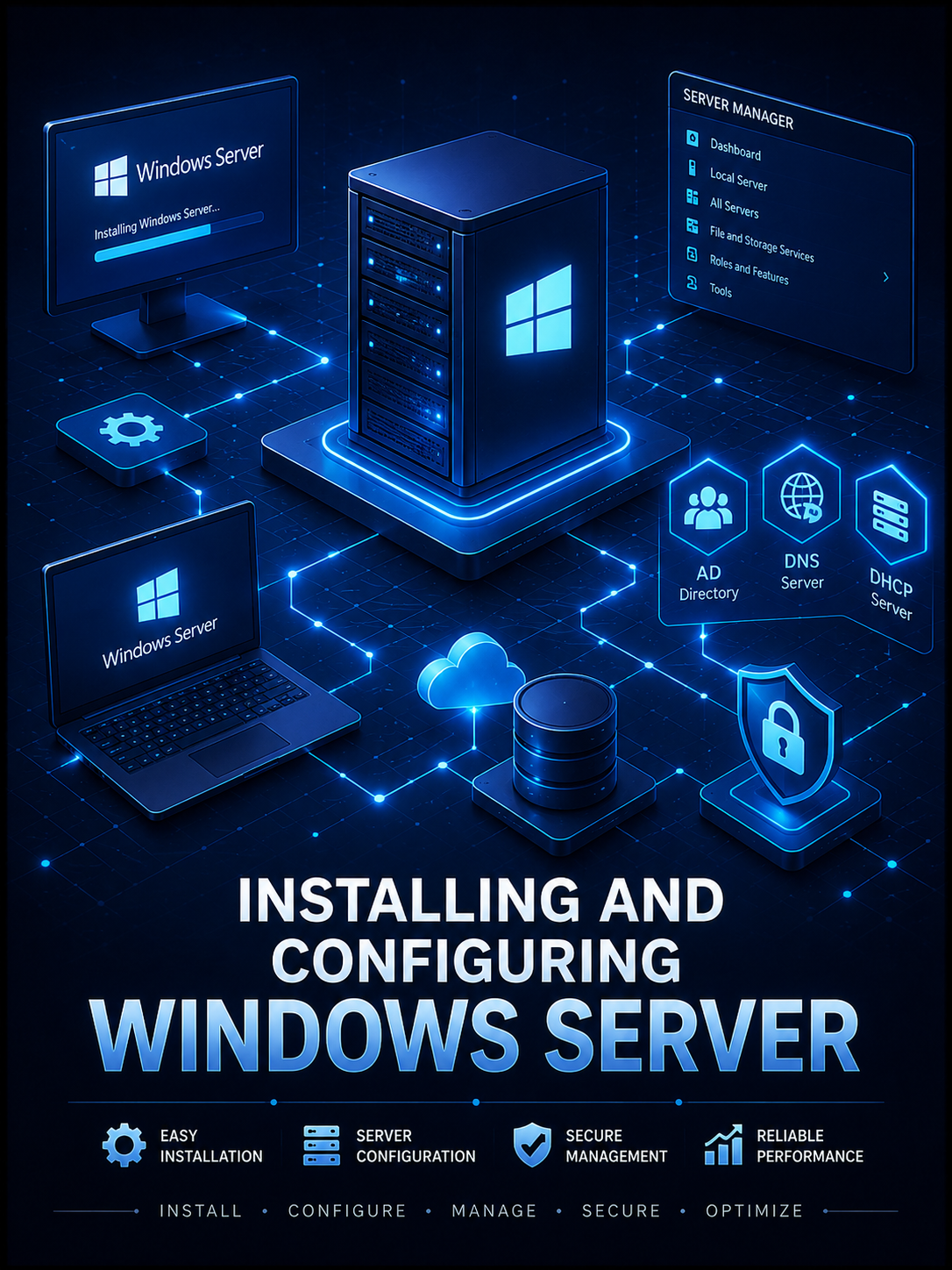
Installing and Configuring Windows Server is a practical course unit designed to equip learners with the knowledge and technical skills required to deploy, configure, manage, secure, and troubleshoot Microsoft Windows Server environments.
The course begins with an introduction to Windows Server, server operating systems, server roles, editions, hardware requirements, and deployment planning. Learners are then guided through the installation of Windows Server using both graphical and Server Core deployment options, followed by essential post-installation configuration.
Learners develop practical skills in configuring server networking, including IP addressing, network adapters, computer names, remote administration, DNS and DHCP services. The course introduces Active Directory Domain Services (AD DS), including the installation of domain controllers, creation and management of domains, organizational units, user accounts, computer accounts, groups, and administrative permissions.
The course also covers Group Policy administration, enabling learners to centrally configure and enforce settings across users and computers within a Windows domain environment. File and storage services are explored through disk management, partitions, volumes, NTFS permissions, shared folders, quotas, storage management, and access control.
Additional areas include server security, Windows Firewall, authentication, administrative privileges, update management, Hyper-V virtualization, backup and recovery, performance monitoring, event logs, PowerShell administration, remote server management, and systematic troubleshooting of common Windows Server problems.
Throughout the course, emphasis is placed on hands-on laboratory exercises that simulate real organizational environments. Learners will install servers, create domains, configure network services, manage users and permissions, implement organizational policies, secure server resources, deploy virtual machines, monitor server performance, perform backups, and diagnose common server and network problems.
By the end of the course, learners should be capable of deploying and administering a functional Windows Server environment suitable for schools, businesses, government institutions, NGOs, and other organizations that depend on centralized network services and resource management.
Fees Structure
| Item | Amount (UGX) |
|---|---|
| Course Fees | Free |
| Registration | Free |
| Total | Free |
Enrollment closes Aug 22, 2026.
Course Outline (Weekly)
| Week | Topics |
|---|---|
| Week 1 | Introduction to Windows Server & Administration Tools |
| Week 2 | Installing, Deploying & Initial Configuration of Windows Server |
| Week 3 | Active Directory Domain Services, Users, Groups & Group Policy |
| Week 4 | DNS, DHCP & IP Address Management |
| Week 5 | Hyper-V & Server Virtualization |
| Week 6 | Storage, File Servers, Sharing & Permissions |
| Week 7 | Server Security, Remote Access & Administration |
| Week 8 | Monitoring, Maintenance, Backup, Recovery & Troubleshooting |