LINUX OPERATING SYSTEM
Linux Operating System introduces learners to the concepts, installation, configuration, administration, and practical use of Linux-based operating systems. The course develops hands-on skills in command-line operations, file and directory management, users and groups, permissions, software management, processes, networking, security, shell scripting, system monitoring, backup, and troubleshooting.
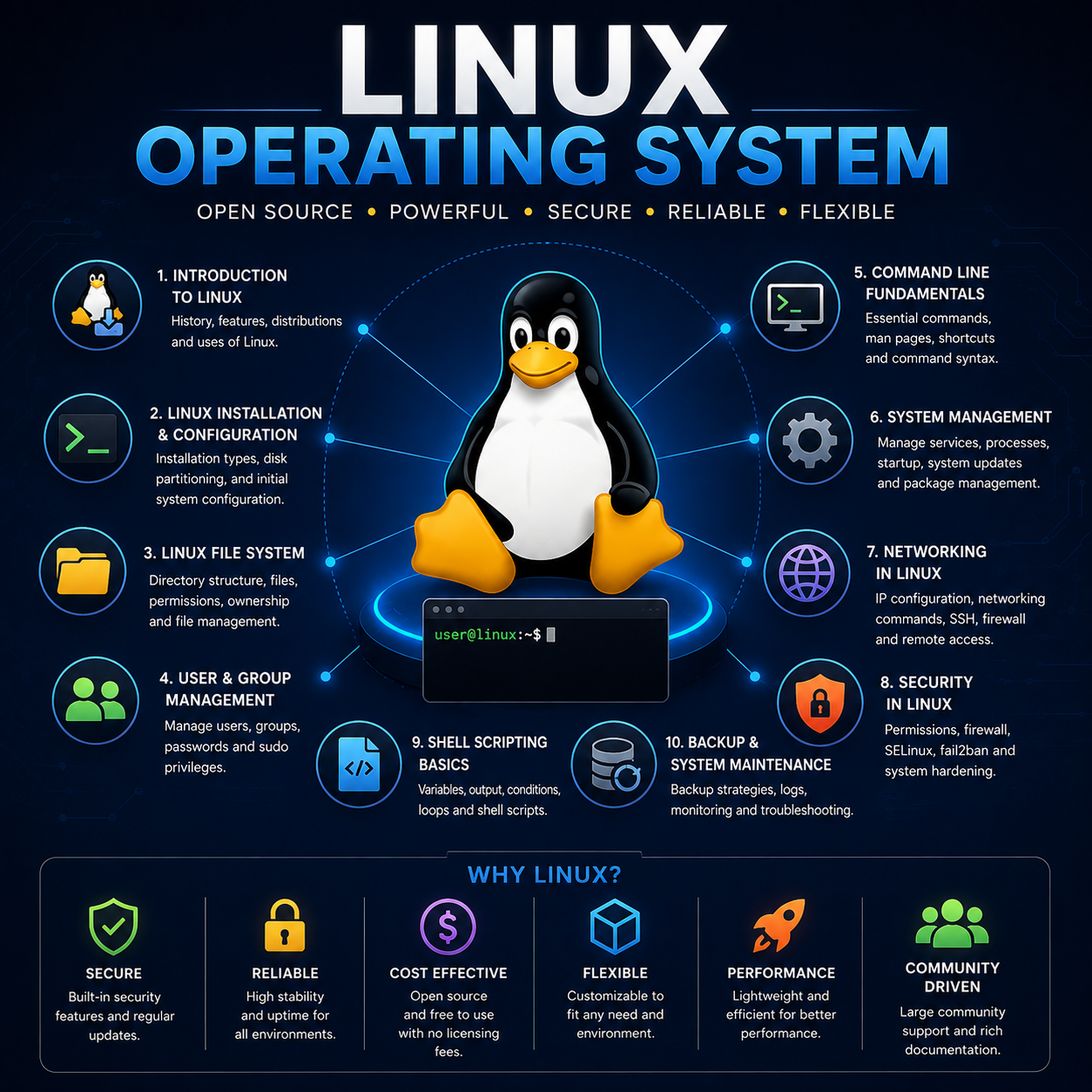
Linux Operating System is a practical course unit designed to provide learners with a comprehensive understanding of Linux and the skills required to install, configure, operate, administer, secure, and troubleshoot Linux-based computer systems.
The course begins with the history and development of Linux, open-source software principles, Linux distributions, and the role of Linux in modern computing environments. Learners explore the Linux operating system architecture and gain practical experience installing Linux on physical computers and virtual machines.
A strong emphasis is placed on working with the Linux command-line environment. Learners develop proficiency in navigating the Linux file system, creating and managing files and directories, using essential commands, managing file permissions and ownership, and working with text-processing and system utilities.
The course covers Linux system administration, including the creation and management of users and groups, software and package management, processes and services, storage devices, file systems, system startup, scheduled tasks, logs, and resource monitoring.
Learners are also introduced to Linux networking and server administration. Topics include IP configuration, network troubleshooting, remote access using SSH, hostname and DNS configuration, network services, firewall configuration, and basic server deployment.
Security is integrated throughout the course, covering user privileges, sudo administration, file permissions, authentication, firewall management, system updates, access control, and fundamental Linux system-hardening practices.
The course further introduces shell scripting and automation, enabling learners to write basic Bash scripts using variables, input and output, conditions, loops, functions, and commands to automate routine administrative tasks.
Through demonstrations, laboratory exercises, troubleshooting scenarios, and practical projects, learners gain experience working with real Linux environments. By the end of the course, learners should be capable of confidently operating and administering a Linux system and applying Linux skills in server administration, networking, software development, cloud computing, cybersecurity, DevOps, and other modern IT environments.
Fees Structure
| Item | Amount (UGX) |
|---|---|
| Course Fees | Free |
| Registration | Free |
| Total | Free |
Enrollment closes Aug 22, 2026.
Course Outline (Weekly)
| Week | Topics |
|---|---|
| Week 1 | Introduction to Linux |
| Week 2 | Linux Installation and Configuration |
| Week 3 | Linux Architecture and System Components |
| Week 4 | Linux Command-Line Fundamentals |
| Week 5 | Linux File System and Directory Management |
| Week 6 | File Permissions and Ownership |
| Week 7 | User and Group Management |
| Week 8 | Software and Package Management |
| Week 9 | Process and Service Management |
| Week 10 | Disk and Storage Management |
| Week 11 | Linux Networking |
| Week 12 | Remote Access and Network Services |
| Week 13 | Linux System Security |
| Week 14 | Shell Scripting and Automation |
| Week 15 | System Monitoring and Log Management |
| Week 16 | Backup, Recovery and System Maintenance |
| Week 17 | Linux Server Administration |
| Week 18 | Linux in Modern Computing |