OFFICE APPLICATIONS – MICROSOFT OFFICE PRODUCTIVITY TOOLS
This course equips students with practical skills in using essential Microsoft Office applications, including Microsoft Word, Excel, PowerPoint and Outlook. Students learn to create professional documents, manage and analyze data, design effective presentations, manage email and perform common office tasks efficiently.
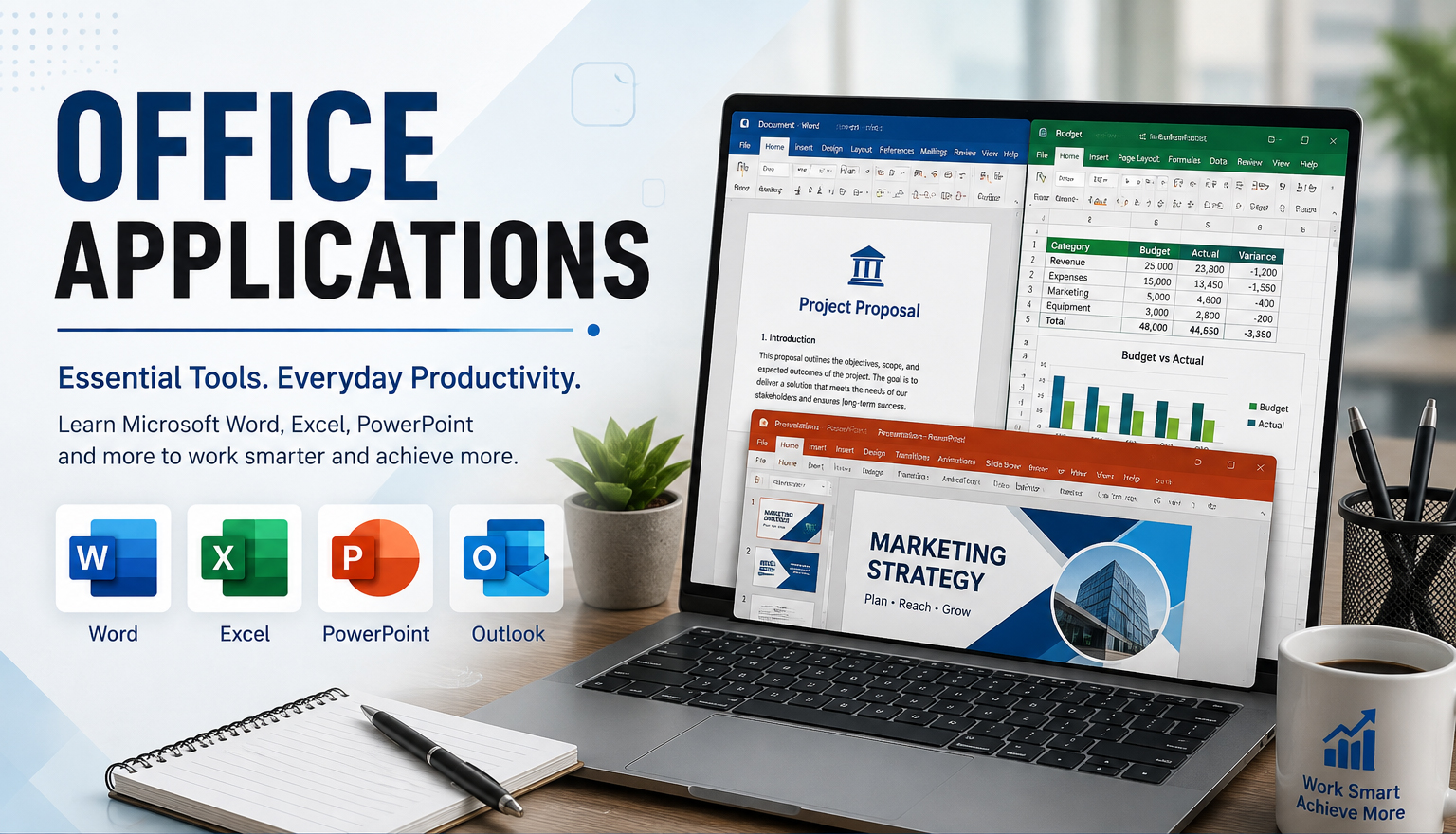
Office Applications – Microsoft Office Productivity Tools is a practical, skills-based course designed to develop students' ability to use modern office productivity software confidently and professionally.
The course introduces students to the computer working environment and progressively develops practical competencies in the major Microsoft Office applications used in education, business, government, NGOs and other professional workplaces.
Students begin with Microsoft Word, where they learn how to create, edit, format and manage professional documents. Topics include text and paragraph formatting, page layout, tables, images and shapes, headers and footers, page numbering, styles, references, tables of contents, mail merge, document review and printing. Practical activities may include preparing letters, reports, CVs, meeting minutes, proposals and other professional documents.
In Microsoft Excel, students learn how to organize, calculate, analyze and present data using spreadsheets. The course covers worksheets and workbooks, cell references, formulas, commonly used functions, sorting and filtering, tables, charts, conditional formatting and basic data analysis. Students apply these skills to practical tasks such as budgets, student marks, payroll calculations, sales records, inventories and financial summaries.
The Microsoft PowerPoint component develops students' ability to design and deliver effective presentations. Students learn about slide layouts, themes, text, images, shapes, SmartArt, tables, charts, multimedia, transitions, animations and presentation techniques. Emphasis is placed on creating presentations that are visually clear and professionally structured rather than overcrowded with information.
Students are also introduced to Microsoft Outlook and electronic communication, including composing professional emails, managing attachments, organizing messages, contacts, calendars, meetings and schedules, as well as appropriate email etiquette and workplace communication.
Throughout the course, students undertake practical exercises that simulate real workplace activities. Rather than learning commands in isolation, students create documents and solutions they are likely to encounter in employment and academic environments.
The course also introduces good practices in file and folder management, document sharing, collaboration, cloud storage, data protection, printing, PDF creation, keyboard shortcuts and productivity techniques.
By the end of the course, students should be able to confidently use Microsoft Office applications to create professional documents, organize and analyze information, prepare presentations, communicate electronically and perform everyday administrative and office tasks efficiently.
The course is suitable for university and college students, administrative staff, office workers, entrepreneurs, teachers, job seekers and beginners seeking practical computer skills for academic and professional environments.
Fees Structure
| Item | Amount (UGX) |
|---|---|
| Course Fees | Free |
| Registration | Free |
| Total | Free |



Course Outline (Weekly)
| Week | Topics |
|---|---|
| Course outline will be available soon. | |